

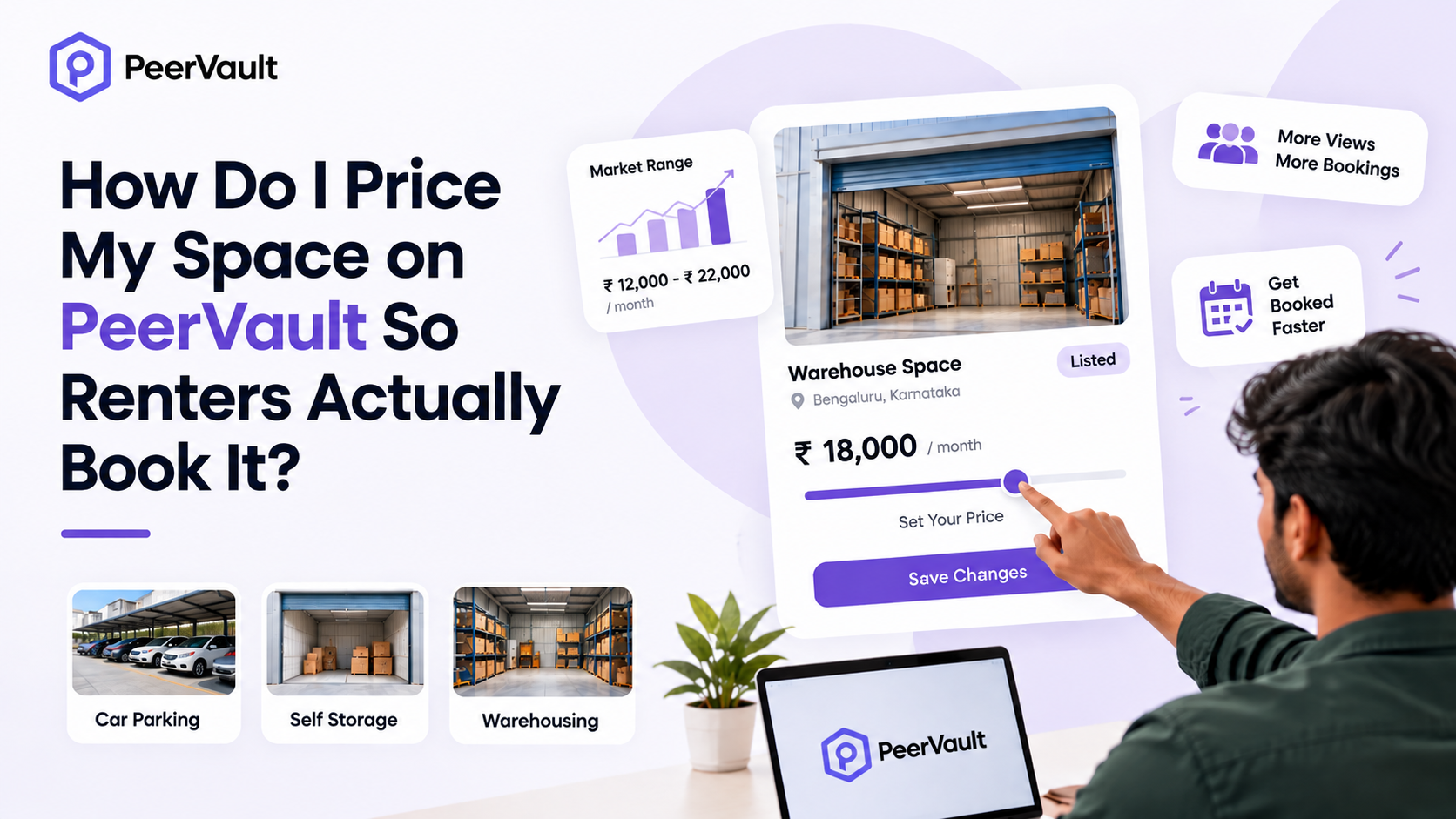
How Do I Price My Space on PeerVault So Renters Actually Book It?
TL;DR
- You set your own price on PeerVault. The platform also offers pricing suggestions based on your area and space type, so you have a starting point.
- Not to your aspirations, but to the market. Open PeerVault’s listing search, filter by your city and space type, and compare the size, price and features of live listings before you fix a number.
- Price per square foot is your common yardstick. Live PeerVault asking prices range from about ₹10 per sq ft (large warehouses) to ₹40+ per sq ft (small urban or premium spaces). Your number should sit inside the range for your city and category.
- Features justify premiums. Ground-floor access, security, dryness, good lighting, height and flexible access hours are what renters pay more for.
- Test, watch, adjust. No enquiries means your price or photos are off. Enquiries without bookings means your price or details need work. A booking within days often means you’re underpriced.
- Know your floor. Work out your minimum acceptable price (costs, tax, opportunity cost) before you list.
- Confirm the fine print in the app. Service fee percentage, payout timing and insurance limits can change, so check them before you finalise your numbers.
Why Pricing Decides Whether Your Space Gets Booked
On a peer-to-peer platform, a renter’s first filter is almost always the search page. PeerVault lets renters filter by location, size, price and specific features, so your listing competes on a grid next to others in the same area. A space that is 20–30% above comparable listings tends to get skipped. A space priced far below them can look suspicious or leave money on the table.
Good pricing isn’t about being the cheapest. It’s about being clearly worth what you charge, and about making that value visible in your listing.
Step 1 : Understand How PeerVault Pricing Works
Before benchmarking, it helps to know what the platform gives you. Based on PeerVault’s published host guidance :
Pricing question | What PeerVault says |
Who sets the price? | You do. Hosts choose their own rental rate. |
Is there guidance? | PeerVault offers pricing suggestions based on your area and the type of space. |
Can I change it later? | Yes, pricing can be updated any time unless a booking is already active. |
Does it cost to list? | Listing is free. Only when you make money does a tiny service fee apply. |
How are renters billed? | Payments run through the platform. All payments must be made via PeerVault, which uses Razorpay as its payment partner. |
When do I get paid? | PeerVault's host guide says payouts go to your bank account once a month. |
Can I choose short or long bookings? | Yes. You decide whether to accept short-term, long-term or both. |
Can I control access? | Yes. You can set access hours and whether entry is by key or by appointment. |
PeerVault says listing is free and it charges a small service fee only when you earn. The exact percentage isn’t stated in the public pages we reviewed, so confirm it in the host dashboard and deduct it when you calculate your take-home price.
One rule shapes your pricing: all payments must be made through PeerVault, and renters are not allowed to live or work inside storage spaces. That means you can’t recover a low price through side charges made outside the platform, and you shouldn’t design your price around residential or workspace use.
Step 2 : Benchmark Against Live PeerVault Listings
The most reliable research is a few minutes on the platform itself. Go to the listing page, choose your category (Self Storage, Warehouse or Car Parking) and search your city or neighbourhood.
To show how much prices vary, here is a snapshot of listings visible on PeerVault’s homepage at the time of writing. The per-sq-ft figures are our own calculation from the listed length × width, so they are rough yardsticks, not official rates.
City | Category | Listed size | Listed price / month | Approx. ₹ per sq ft* |
Hyderabad | Self storage | 10'×15'×10.5' | ₹1,900 | ~₹12.7 |
Bengaluru | Self storage | 31'×26'×12' | ₹12,000 | ~₹14.9 |
Bengaluru | Self storage | 20'×30' | ₹10,000 | ~₹16.7 |
Bengaluru | Self storage | 20'×12'×11' | ₹20,000 | ~₹83.3 |
Hubballi | Warehouse | 82'×100' | ₹82,000 | ~₹10.0 |
Hubballi | Warehouse | 50'×62' | ₹37,200 | ~₹12.0 |
Gurugram | Warehouse | 56'×19'×12' | ₹30,000 | ~₹28.2 |
Jaipur | Warehouse | 52'×28' | ₹60,000 | ~₹41.2 |
Pune | Car parking | 10'×15' | ₹5,500 | ~₹36.7 |
Chennai | Car parking | 18'×8' | ₹3,500 | ~₹24.3 |
Bengaluru | Car parking | 12'×20' | ₹2,400 | ~₹10.0 |
*Floor area only (length × width), assuming dimensions are in feet. Asking prices are what hosts requested, not proof that a booking happened at that price.
What this table tells you
1. Big, low-frequency spaces are priced low per sq ft. Large warehouses in Hubballi sit around ₹10–12 per sq ft. Volume renters negotiate on rate, and there are fewer of them.
2. Small, convenient spaces are priced high per sq ft. Small parking and storage units in dense metros command higher per-foot rates, because convenience and scarcity matter more than raw area.
3. Outliers exist. A ₹20,000 listing for a 20’×12′ unit is priced far above its neighbours. Whether it’s justified by a special feature (climate control, prime location, security) is something only the renter can judge, so an outlier needs a clear reason in the listing.
4. Extremes are not benchmarks. Very large parking areas priced at a nominal per-sq-ft rate, like the Noida listing at ₹2,000 for a 200’×50′ area, are a different product from a single parking bay.
How to use this : find 5–8 listings in your city and category that match your size and features. Discard the top and bottom outliers and note the median per-sq-ft price. That median is your starting anchor.
Step 3 : Cross-Check With PeerVault’s Illustrative Earnings
PeerVault’s Pune host guide gives illustrative monthly income figures by space type:
Space type | Size | Illustrative monthly income (Pune) | Implied ₹ per sq ft |
Store room | 50 sq ft | ₹2,000 – ₹3,000 | ₹40 – ₹60 |
Spare bedroom | 120 sq ft | ₹5,000 – ₹7,000 | ~₹42 – ₹58 |
Garage | 150 sq ft | ₹6,000 – ₹8,000 | ₹40 – ₹53 |
Basement / attic | 200+ sq ft | ₹7,000 – ₹10,000 | ≤₹35 – ₹50 |
Notice that these implied rates are noticeably higher than many live asking prices for larger units elsewhere (roughly ₹12–17 per sq ft for bigger storage spaces in Bengaluru and Hyderabad). That gap is normal, for three reasons :
- Smaller spaces cost more per sq ft than larger ones.
- Pune and other dense city locations pay a convenience premium.
- Illustrative earnings are best-case guides, not guarantees.
Treat these figures as a ceiling to test for small, well-located, clean spaces. Don’t treat them as a promise. Your own local listing search is the more honest guide.
PeerVault’s guidance also says hosts can charge more if the space is climate-controlled or offers 24/7 access. That gives you a useful rule: premiums come from features, not from wishful thinking.
Step 4 : Set Your Price Floor First
Before you look at the market, decide the lowest price you’d accept. A booking at a price that doesn’t cover your costs is worse than an empty month.
Your floor should cover :
- Incremental costs: electricity for lighting, a good lock or gate, cleaning, minor repairs, and any extra insurance premium.
- PeerVault’s service fee: deduct it from the rent to see what you actually keep.
- Tax: rental income is generally taxable in India, and GST may apply in some commercial cases. This varies by situation, so speak to a chartered accountant.
- Opportunity cost: if you might need the space yourself in six months, a long booking at a low price is a real cost.
- Wear and tear: vehicles, heavy goods and frequent access wear a space faster than quiet storage.
A simple formula :
Minimum monthly price = (monthly incremental costs + expected wear allowance + your minimum profit) ÷ (1 − service fee %)
If you’d need ₹1,000 for costs and wear, and want at least ₹2,000 profit, with a hypothetical 10% fee, your floor is (₹3,000) ÷ 0.90 ≈ ₹3,333. Use the real fee shown in your host dashboard.
Step 5 : Add Premiums (and Discounts) for Real Features
Once you know the market median and your floor, adjust for what makes your space better or worse than the average. Here is a practical guide. The percentages are our suggested starting points for you to test, not PeerVault rules.
Feature | Effect on pricing | Suggested adjustment |
Ground-floor or drive-up access | Easy loading, key for bulky items and vehicles | +10% to +20% |
Dry, damp-free, pest-controlled | Essential for furniture, books, electronics | +5% to +15% |
Climate-controlled | Directly mentioned by PeerVault as a premium feature | +15% to +25% |
24/7 access | Same, explicitly a premium feature | +10% to +20% |
CCTV, secure gate, sturdy lock | Trust signal | +5% to +10% |
High ceilings / good height | Lets renters stack vertically | +5% to +10% |
Near metro, IT park, university | Convenience and demand | +10% to +20% |
Access by appointment only | Lower flexibility | −5% to −10% |
Upper floor with no lift | Hard for heavy items | −10% to −20% |
Cluttered or poorly lit | Reduces confidence | Fix first, then price |
Two cautions :
- Don’t stack every premium. A renter compares your total to alternatives, not each feature separately.
- Only claim what’s true. Overstating features leads to disputes and bad reviews. Note also that PeerVault’s terms require you to have the right to rent the space and to comply with laws like zoning and licensing, and the platform doesn’t verify that compliance for you.
Step 6 : Think in Terms of Renter Types
Different renters value different things, and your price should match the renter you want.
Renter type | What they care about most | Pricing implication |
Students and PG residents | Low cost, short stays | Price competitively, flexible short bookings |
Young professionals shifting cities | Convenience, short-to-medium term | Modest premium for easy access |
Families renovating or moving | Dry, safe space for furniture | Pay more for reliability |
Small businesses and online sellers | Access, security, location near customers | Willing to pay more for access hours and reliability |
Vehicle owners | Safe, accessible parking | Sensitive to per-vehicle price and locality |
PeerVault’s own market table for Pune lists exactly these segments: students and PGs, young professionals, small business owners and homeowners. Knowing which segment you’re targeting helps you decide whether to prioritise the lowest price or the best features.
Step 7 : Make the Price Look Justified
Two listings with the same price can perform very differently. The one that explains its value wins.
- Photos: use natural light, clean the space first, and take photos from multiple angles. PeerVault specifically advises this.
- Accurate dimensions: list length, width and height. Renters plan around cubic space, and PeerVault listings show all three dimensions.
- Clear rules and access: state access hours, whether entry is by key or appointment, and what can’t be stored.
- Security details: mention lock type, gate, CCTV and lighting.
- Condition notes: say plainly if it’s dry, ventilated and pest-free.
Also keep your space rent-ready. PeerVault’s guidance highlights cleaning out clutter, ensuring the space can be locked, adding proper lighting, and checking it every few weeks.
Step 8 : Use a Launch, Watch, Adjust Cycle
Pricing is a process rather than a single choice.
Week 1–2 : Launch at the market median. If your space has strong features, price a little above. If it’s plain or has few reviews, consider pricing slightly below the median to earn your first booking and review. This is a strategy suggestion, not a platform feature.
Week 3–4 : Read the signals.
What you see | Likely cause | What to do |
No views or enquiries | Price too high, weak photos or unclear title | Re-check comparables, improve photos, review location tags |
Views but no messages | Listing lacks trust or details | Add dimensions, security info, access rules |
Messages but no bookings | Price or terms are a mismatch | Answer questions fast, review price and minimum terms |
Booking within days | May be underpriced | Nudge the next booking's price up |
Steady bookings, no vacancies | Healthy | Raise price gradually |
Ongoing : because you can update pricing any time unless a booking is active, revisit your price every few months. The Pune host guide also notes you can increase rent in the busiest periods.
Seasonality worth watching : student move-in and move-out periods, festive stock build-up ahead of the festival season, wedding season, and the usual summer and monsoon moving patterns can all lift demand in different cities. These are general patterns, so check them against your own enquiries.
A Worked Example (Illustrative)
Suppose you have a 120 sq ft spare room in a Pune apartment building with a lock, good lighting and lift access.
1. Benchmark : PeerVault’s illustrative range for a 120 sq ft spare bedroom in Pune is ₹5,000–₹7,000. You check live Pune listings and find your local median is around ₹5,500.
2. Floor : with ₹500 in monthly costs and a ₹3,000 minimum profit, plus an assumed 10% fee, your floor is about ₹3,900.
3. Adjust : you add a modest premium for lift access and security, so you list at ₹5,800.
4. Watch : after two weeks with views but no messages, you add dimensions, better photos and access rules.
5. Adjust : after a first booking within a few days of the update, you keep the price steady for the first booking’s term and consider raising it slightly for the next.
This is only an example. Your numbers will differ.
Common Pricing Mistakes to Avoid
1. Copying an outlier. One listing at ₹20,000 doesn’t set your market.
2. Pricing on emotion. “It is my residence” has no bearing on rent.
3. Ignoring the fee and tax. Your take-home is lower than the sticker price.
4. Underpricing forever. A fast booking is a signal to test a higher price next time.
5. Overstating features. It invites disputes and bad reviews.
6. Going outside the platform. Payments must run through PeerVault, and the platform’s protections generally apply only to bookings made and paid for through it. PeerVault’s own hosting guidance says platform insurance is tied to on-platform bookings, and that it doesn’t replace your own home or property insurance.
7. Forgetting documentation. Photograph the space before each booking so damage disputes can be resolved quickly.
Frequently Asked Questions
How does PeerVault suggest a price for my space?
The platform says it offers pricing suggestions based on your area and the type of space. You still make the final decision.
Can I change my price after listing?
Yes, unless a booking is already active.
Is it cheaper to price by square foot or by the whole space?
List the total monthly price, but think per sq ft (and per cubic foot for tall spaces) when comparing. It makes different sizes comparable.
Should I price lower for long bookings?
It can help fill your space reliably, but PeerVault’s public pages don’t describe a built-in long-term discount tool. Reflect your preference in your base price and confirm any options in the app.
Will insurance affect my price?
PeerVault describes optional insurance protection for hosts and renters, but coverage limits and exclusions can change. Read the current terms in the app, and don’t rely on platform cover as a substitute for your own property insurance.
What if my space is unusual?
Unusual spaces (covered balconies, unused office cabins, basements) can be listed if they are clean, dry, secure and accessible. Price them on function, not on novelty.
Do I need to be present when renters access the space?
Not necessarily. PeerVault says access can be arranged your way, whether by handing over keys or scheduling visits.
The Bottom Line
The best-priced space isn’t the cheapest one. It’s the one whose price matches its real features and its local market. Benchmark against live PeerVault listings, set a floor that covers your costs, add premiums only for features you can prove, and treat your first month as a test. Then adjust with real enquiry data.
Ready to list? Add your space on PeerVault and set a price based on what you’ve learned here.
Popular Posts

What Kind of Space Qualifies as a PeerVault Listing in India?